
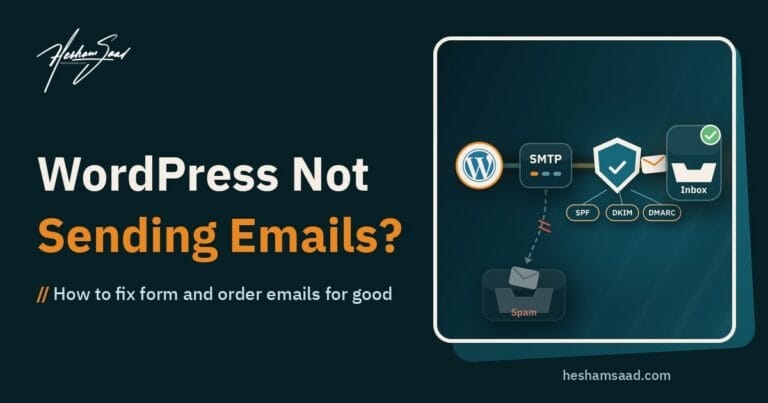
When you need to fix WordPress errors, every hour offline costs you visitors and trust. These troubleshooting guides cover the problems business sites run into most: the white screen, critical error messages, a site that suddenly goes down, plugin and theme conflicts, failed updates and contact forms that stop sending email. Each one starts with safe checks you can run yourself, then explains when it’s time to bring in a developer so a quick fix doesn’t become a bigger problem. If you’d rather hand the problem to someone who fixes these every week, our WordPress development service can step in.
WordPress Update Broke My Site: How to Recover It and When to Call a Developer
WordPress update broke my site? A calm recovery path for business owners: the recovery mode email, reading the error log, deactivating or rolling back a plugin, restoring backups without losing orders, and…
12 mins read