هذا المقال متوفر باللغة العربية — اقرأ بالعربية
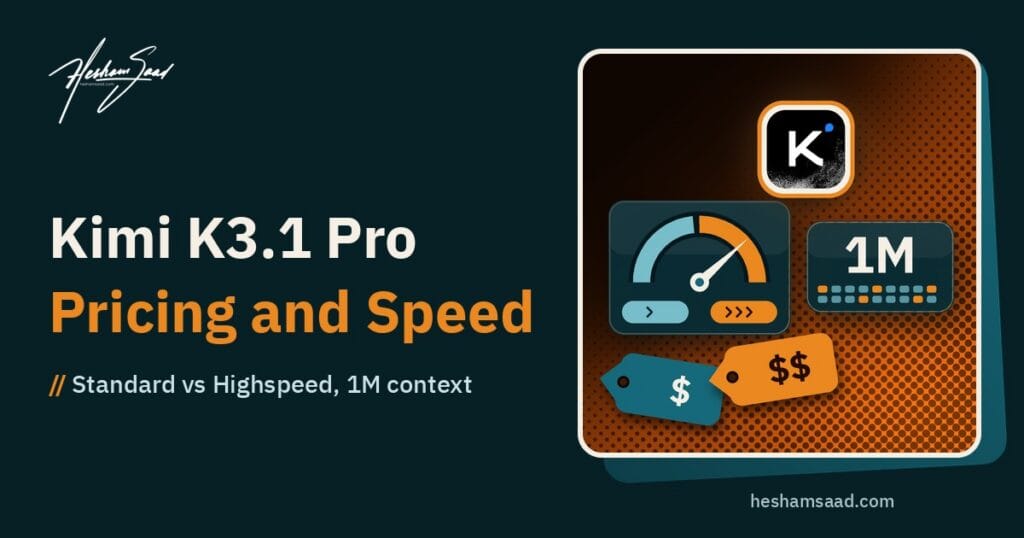
Moonshot AI has released Kimi K3.1 Pro, the first model in its new K3.1 series, together with Kimi K3.1 Pro Highspeed, a faster version of the same model. Both are available now on Kimi.ai, Kimi Work, Kimi Code and the Kimi API. Moonshot says the full model weights will follow “by Nov 4, 2026”, so the open-weight part of this launch is a promise with a date, not a download you can use today.
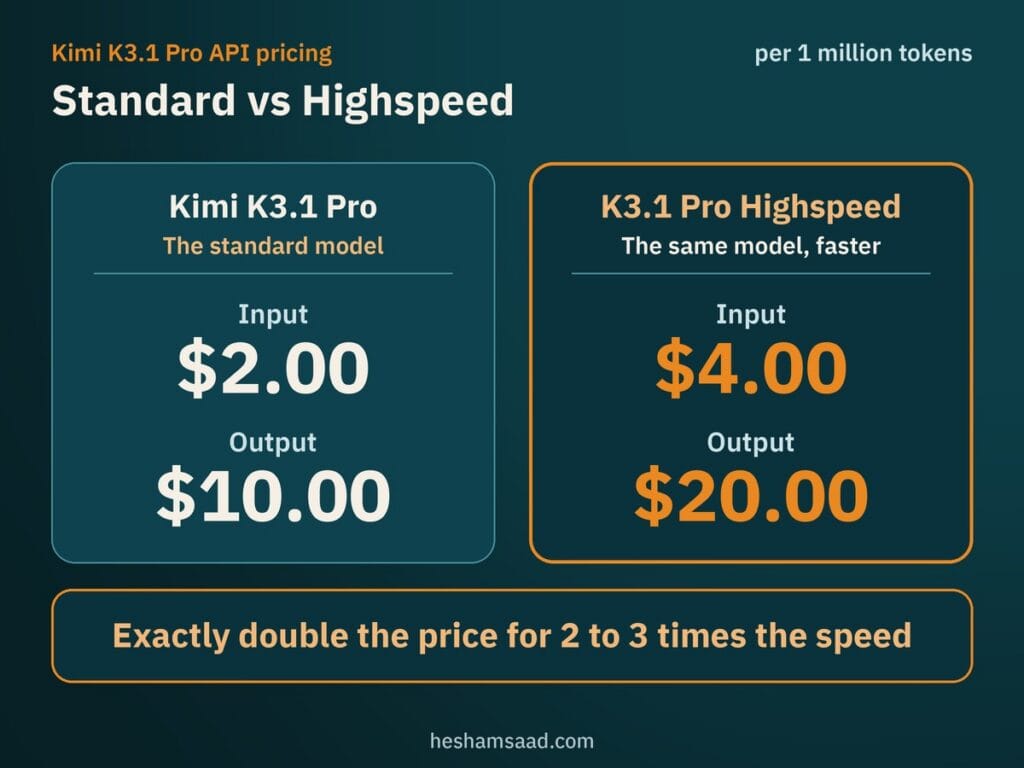
For anyone building or running a website, the most useful facts are the ones with numbers attached: a 1-million-token context window, an API price of $2.00 per million input tokens and $10.00 per million output tokens for the standard model, and a Highspeed tier that costs exactly twice as much for 2 to 3 times the speed. In this post we cover what is confirmed by Moonshot’s own pages, what is still unconfirmed, how the model compares with the rivals Moonshot names, the pros and cons, the best use cases, and what it means for a WordPress site or a business. Every figure below comes from Moonshot’s official blog and API documentation, and benchmark results are Moonshot’s own, not independent tests.
What Kimi K3.1 Pro is
Kimi K3.1 Pro is a post-trained version of Kimi K3, the previous flagship of Moonshot Kimi, trained with substantially more post-training compute. Moonshot calls it its most capable “3T-class” open-weight model to date, with a context window of one million tokens. The company says it rebuilt several parts of its training stack, including the reinforcement learning framework, long-context inference and the sandboxes used to test agents, so that more training compute gives steady, predictable gains across hundreds of task areas.
Moonshot’s own summary is that across coding, agentic and knowledge benchmarks, K3.1 Pro “matches or approaches the strongest proprietary models”. That is a claim from the vendor, so treat it as a starting point and test the model on your own work.
The launch has two models:
- Kimi K3.1 Pro (
kimi-k3.1-proin the API): the standard version. - Kimi K3.1 Pro Highspeed (
kimi-k3.1-pro-highspeed): the same model, delivering 2 to 3 times the speed of K3.1 Pro for more responsive interactions, at a higher price.
What is new compared with Kimi K3
Moonshot highlights four areas where K3.1 Pro improves on K3.
- Coding: work ranging from quick fixes in real codebases to full-project builds. Moonshot says it works across game engines such as Unity, Unreal Engine and Godot, and produces front-end pages and interactive Three.js scenes with better layout, typography and animation. On Kimi Code Bench 3.0 Long-horizon, Moonshot’s internal test of multi-step coding agents, it scores 61.2%, up from 55.95% for K3.
- 3D modeling and design: it can create 3D models from a text brief, sketch or reference image, and Moonshot says it can write and run scripts for tools such as Blender and CAD software without MCP connectors. A new 3D Make feature is live on kimi.ai and in the Kimi app for previewing and editing models, and for exporting them for 3D printing or as videos.
- Finance: Moonshot reports a state-of-the-art 64.4 on OfficeQA Pro v2, a test of analysing real financial documents. On its internal tests, it improves on K3 by 7.2 points in financial modeling and 11.6 points in financial research, and reaches about 4.2 times K3’s result on a simulated business operation test.
- Factual accuracy: on Kimi Hallu Bench Hard, an internal stress test, the claim-level hallucination rate fell from 23.4% for K3 to 8.3%. Moonshot warns that this test is built to provoke errors, so the rates do not describe everyday use. The API quickstart page quotes a different pair of numbers (23.35% down to 6.85%) from a different evaluation, which is another reason to read these figures as directional only.
Where you can use it
- Kimi.ai and the Kimi mobile apps on iOS, Android and HarmonyOS.
- Kimi Work, the desktop app, version 3.1.0 or later, for Windows and Apple silicon Macs.
- Kimi Code: run it and pick the model with the
/modelcommand. - The Kimi API, with both model names above. Zero Data Retention is available for API customers.
- Kimi Enterprise: administrators can enable the model for their organization, but access is off by default at launch.
Kimi K3.1 Pro API pricing
These are the rates from the Kimi API pricing page, per one million tokens (1 MTok = 1,000,000 tokens). The page says the Kimi API automatically bills context caching for repeated requests, and that K3 series models charge a cache write fee on top of the cache hit price.
| Model | Input | Output | Cached input | 5-minute cache write | 1-hour cache write |
|---|---|---|---|---|---|
| kimi-k3.1-pro | $2.00 | $10.00 | $0.20 | $2.00 | $4.00 |
| kimi-k3.1-pro-highspeed | $4.00 | $20.00 | $0.20 | $4.00 | $8.00 |
| kimi-k3 (previous) | $3.00 | $15.00 | $0.30 | $3.00 | $6.00 |
| kimi-k2.7-code | $0.95 | $4.00 | $0.19 | not listed | not listed |
| kimi-k2.6 | $0.95 | $4.00 | $0.16 | not listed | not listed |
Two things stand out. First, K3.1 Pro is cheaper than the K3 it is built from: $2.00 and $10.00 against $3.00 and $15.00. Second, Highspeed costs exactly double the standard model on input and output, so you are paying for latency, not for extra quality. As a quick example using these rates, a job with 1 million input tokens and 100,000 output tokens costs about $3.00 on K3.1 Pro and about $6.00 on Highspeed, before any caching savings. That is our arithmetic, not a quote from Moonshot.
For another open-weight option at a similar scale, see our breakdown of Mistral Large 4 and its license terms.
Access has conditions. According to Moonshot’s quickstart, K3.1 Pro is a flagship model that is unlocked after a successful top-up of at least $1, and your account tier and rate limits then depend on your cumulative top-up amount. Moonshot also gives a $5 voucher once your cumulative top-up reaches $5. Check that page for the current tier limits, because they can change. The older Kimi K2 series is also being phased out: from October 31, 2026, K2 models will no longer be available to newly registered users, existing users are not affected, and Moonshot plans to retire all K2 models by the end of December 2026.
How to call it from code
The Kimi API works with the OpenAI SDK format, so a basic request looks like any other chat completion call. This example follows the shape in Moonshot’s documentation:
curl https://api.moonshot.ai/v1/chat/completions \
  --header "Authorization: Bearer $MOONSHOT_API_KEY" \
  --header "Content-Type: application/json" \
  --data '{
    "model": "kimi-k3.1-pro",
    "messages": [{"role": "user", "content": "Introduce Kimi K3.1 Pro in one sentence."}]
  }'
The API supports streaming, vision input (images and video), strict JSON schema outputs, tool calling and partial mode. Reasoning effort can be set to low, high or max, and the model always runs with thinking on. Max is the default, which is why Moonshot’s benchmark numbers use it. For cost control on simple jobs, test a lower effort before you pay for max.
Is it really open weight?
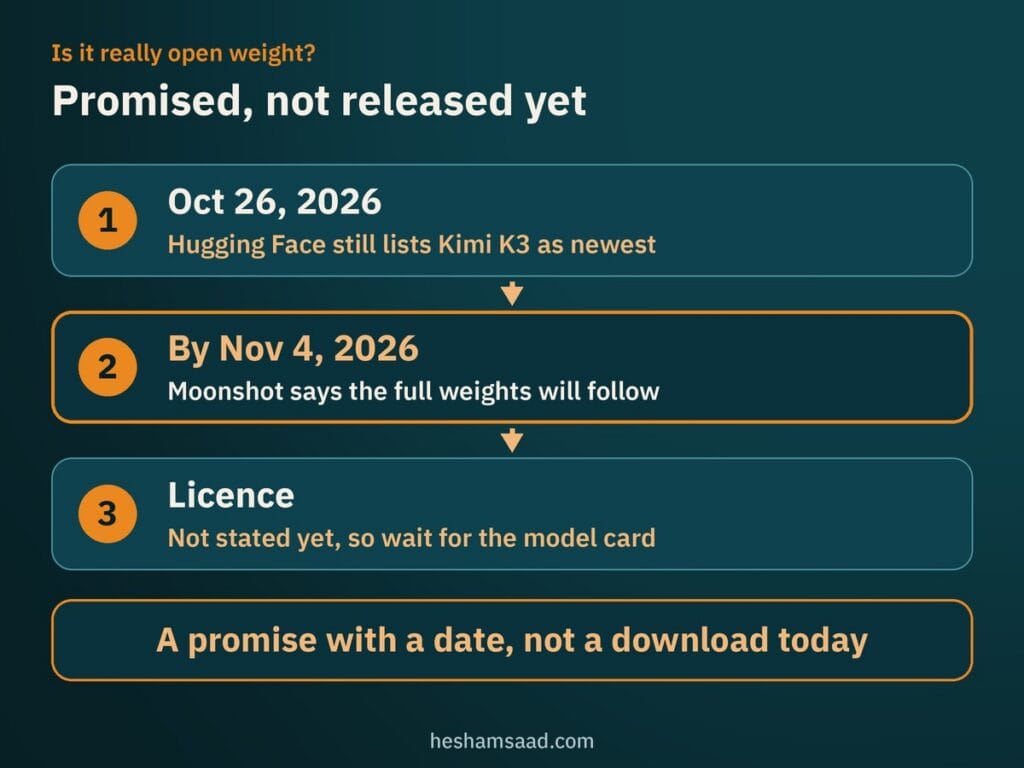
Not yet. Moonshot says the full weights will be released by November 4, 2026, and it repeats that date in the Availability section of its blog. When we checked the official moonshotai page on Hugging Face on October 26, 2026, the newest model listed was still Kimi K3, so the K3.1 Pro weights were not there yet. The blog does not state the licence either, so we cannot say what commercial use will be allowed. Wait for the model card before you plan a self-hosted setup.
Moonshot also explains how it approached the release of a strong model. It says it identified and removed cyber-related data from the training stages used for the open-weight version. On its internal vulnerability test (xdev-bench-hard), the version without these measures solved 90.5% of problems at pass@3, while the final K3.1 Pro reached 81.0%. Moonshot adds that the model’s cyber capability remains behind frontier proprietary models that have been public for at least three months. For site owners, this is mostly background, but it shows how the company is framing the safety side of releasing weights.
If you are weighing open-weight models against closed frontier ones, our review of Gemini 4 Carbon covers a model that is not publicly available yet.
Kimi K3.1 Pro compared with rivals
Moonshot compares K3.1 Pro with GPT-6 Astra, Claude Opus 5.5, GLM-5.3 and DeepSeek-V4.1-Flash-1017 in its benchmark tables. Here are the head-to-head numbers that the blog states in its text. They come from Moonshot, which ran its own model and took the other scores from vendor reports or public leaderboards.
| Benchmark (as reported by Moonshot) | Kimi K3.1 Pro | GPT-6 Astra | Claude Opus 5.5 |
|---|---|---|---|
| Terminal-Bench 4.0 (terminal coding agent tasks) | 65.7% | 58.2% | 66.4% |
| BenchCAD with tools (3D reconstruction through CAD code) | 92.7% | 95.9% | 96.2% |
On this evidence, K3.1 Pro leads GPT-6 Astra on terminal coding, trails Claude Opus 5.5 by less than one point, and sits a few points behind both on CAD reconstruction. That matches Moonshot’s own wording of “matches or approaches”. We have not included prices for GPT-6 Astra or Claude Opus 5.5 because they are not stated in Moonshot’s pages, so check each vendor’s official pricing page before you compare costs. For a comparison with another recent open-weight model, see our post on DeepSeek V4.1 Flash, for an open coding model on AWS, our Reflection Beam post, and for another open-weight release, our Meta Muse Spark Open post.
Pros and cons
Pros
- Cheaper than K3 at $2.00 input and $10.00 output per million tokens.
- A 1-million-token context window, with a cache hit price of $0.20 per million tokens.
- Strong coding results on the terminal test Moonshot publishes, close to Claude Opus 5.5.
- Vision input, strict JSON output and tool calling in the API, plus an OpenAI-style interface that makes testing easy.
- Zero Data Retention available for API customers, and open weights promised.
- A faster Highspeed tier when response time matters.
Cons
- The weights are not released yet, and the licence is unknown.
- Almost every benchmark is run or reported by Moonshot, and several are internal tests.
- Highspeed costs double.
- Trails Claude Opus 5.5 and GPT-6 Astra on the CAD test.
- No Arabic-specific results are published, so you must test Arabic quality yourself.
- Access needs a top-up on the Kimi platform, and Enterprise access is off by default.
Best use cases
- Coding agents and long projects: multi-step work in a real codebase, using Kimi Code or the API.
- Reading large inputs: a 1-million-token window fits big documentation sets, long exports or many files at once.
- Financial and spreadsheet work: modeling, research and document analysis, where Moonshot reports its largest gains.
- 3D and web experiences: product viewers, configurators, Three.js scenes and assets for brand sites.
- Interactive tools: Highspeed suits chat or assistants where waiting is the main complaint.
What it means for a WordPress site or a business
For most WordPress owners, K3.1 Pro is not something you install. It is an engine behind tools. Here is how it can matter in practice.
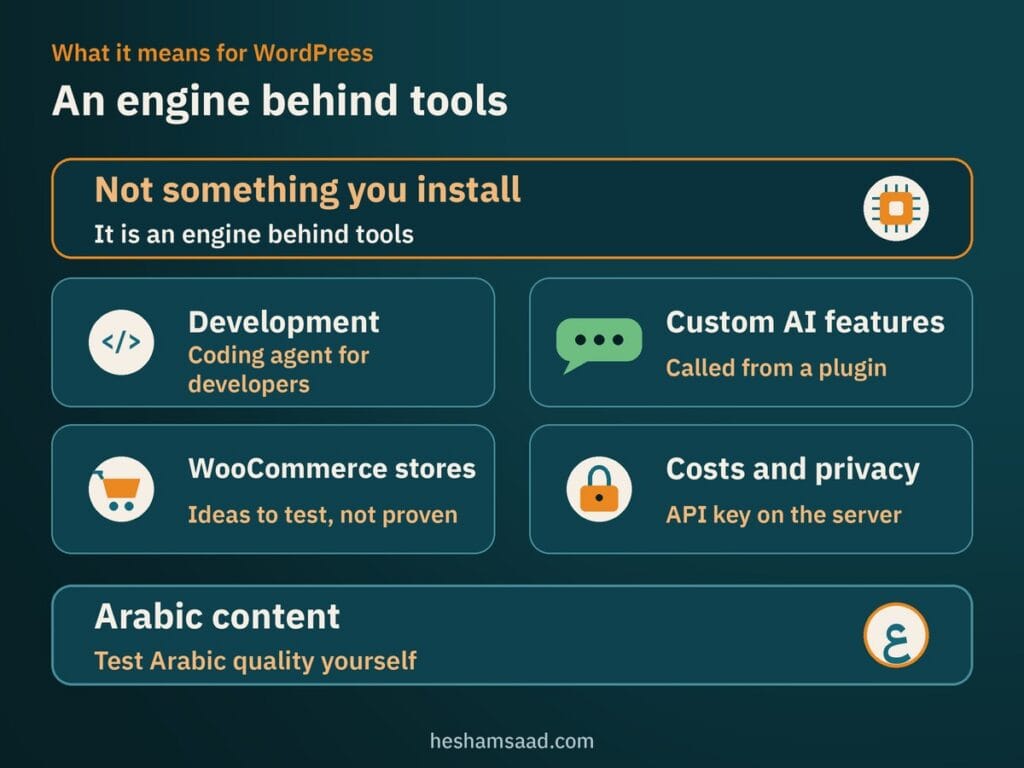
- Development work: theme and plugin developers can use it as a coding agent through Kimi Code or an OpenAI-compatible client, for example to review a plugin, write migration scripts or generate tests. Always review the generated code before it goes near a live site.
- Custom AI features: because the Kimi API follows the OpenAI format, a developer can add it to a custom plugin for tasks like summarising support tickets or drafting product descriptions. Whether a ready-made AI plugin supports it depends on that plugin letting you set a custom API address, so check its documentation first.
- WooCommerce stores: the 3D and spreadsheet strengths could help with product visuals and sales reports, though you should treat these as ideas to test, not proven results.
- Costs and privacy: keep your API key on the server, send only the data a task needs, and ask for Zero Data Retention if customer data is involved. Cache repeated prompts to lower your bill.
- Arabic content: the official pages say nothing about Arabic quality, so compare its output with your current model on real Arabic pages before you switch.
If you want an AI feature like this built safely into your site, our WordPress development service can scope it, and you can book a free consultation to check whether it fits your workflow and budget. A sensible first step is a small test: run ten real tasks through K3.1 Pro and your current model, then compare quality, speed and cost.
Frequently asked questions
What is Kimi K3.1 Pro?
Kimi K3.1 Pro is the first model in Moonshot AI’s K3.1 series, a post-trained version of Kimi K3 with a one million token context window. It launched with a faster version called Kimi K3.1 Pro Highspeed, and both are available on Kimi.ai, Kimi Work, Kimi Code and the Kimi API.
How much does the Kimi K3.1 Pro API cost?
The standard model costs 2.00 dollars per million input tokens and 10.00 dollars per million output tokens. Highspeed costs 4.00 and 20.00 dollars. Cached input is 0.20 dollars on both. Access needs a first top-up of at least 1 dollar on the Kimi platform.
Are the Kimi K3.1 Pro weights available yet?
Not yet. Moonshot says the full weights will be released by November 4, 2026. When we checked the official Hugging Face page on October 26, 2026, the newest model listed was still Kimi K3. The licence is not stated on the blog, so wait for the model card.
What is the difference between K3.1 Pro and Highspeed?
They are the same model. Highspeed delivers two to three times the speed of the standard version for more responsive interactions, and it costs exactly double on input and output. Choose it only when waiting time matters more than cost, such as in a live chat assistant.
Is Kimi K3.1 Pro better than GPT-6 Astra or Claude Opus 5.5?
On Terminal-Bench 4.0, Moonshot reports 65.7 percent for K3.1 Pro against 58.2 for GPT-6 Astra and 66.4 for Claude Opus 5.5. On a CAD test it trails both. These are Moonshot’s own figures, so test the model on your tasks before you decide.
Can I use Kimi K3.1 Pro on my WordPress site?
Yes, through a custom integration. The Kimi API follows the OpenAI format, so a developer can call it from a plugin on the server. Ready-made AI plugins work only if they let you set a custom API address. Keep the key on the server and check Arabic quality first.